Does the Scan Anywhere scanner come with a Micro SD card or do I need to buy one separately?
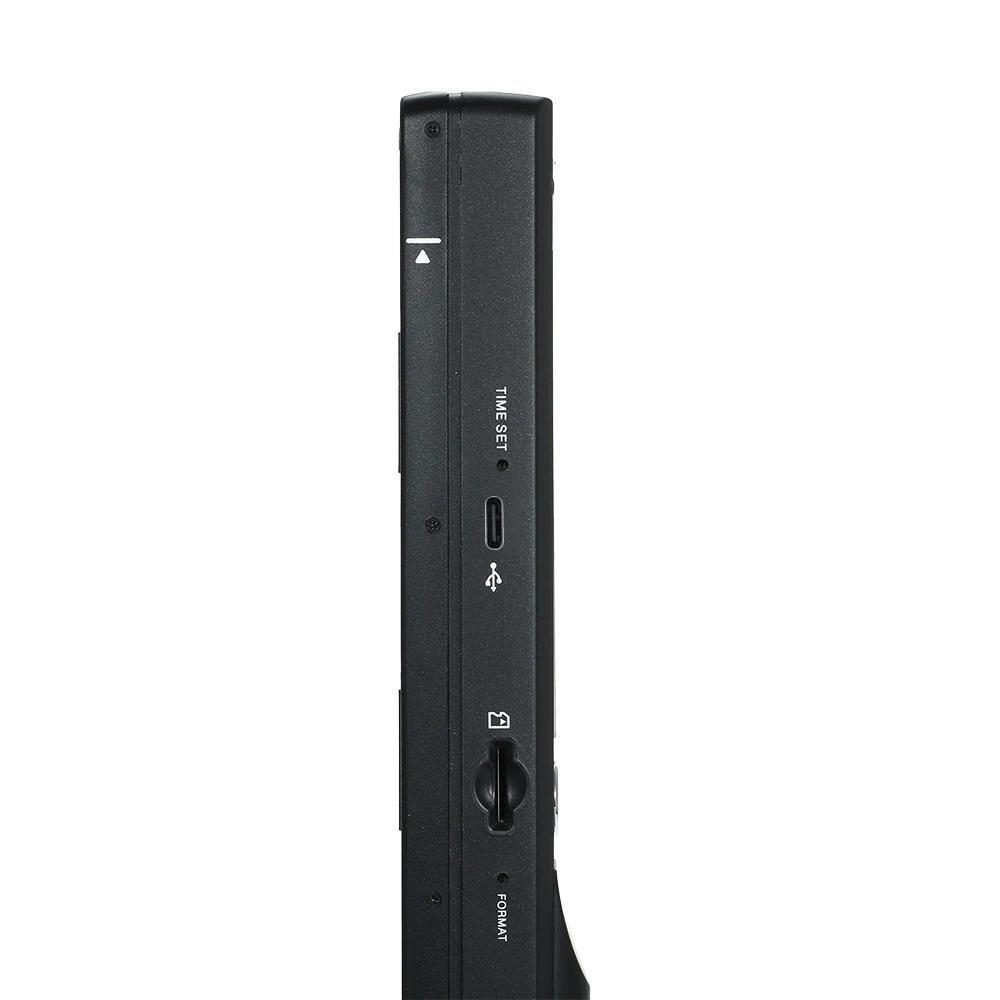
The Scan Anywhere portable scanner saves scans to a Micro SD card (up to 32 GB), but the card itself is not included. You'll need to purchase one separately to start scanning immediately.
What file formats does the portable scanner save documents in?
Your scanned documents will be saved in widely compatible JPEG or PDF formats, making them easy to use with most document management systems and software.
How do I transfer the scanned documents from the device to my computer?
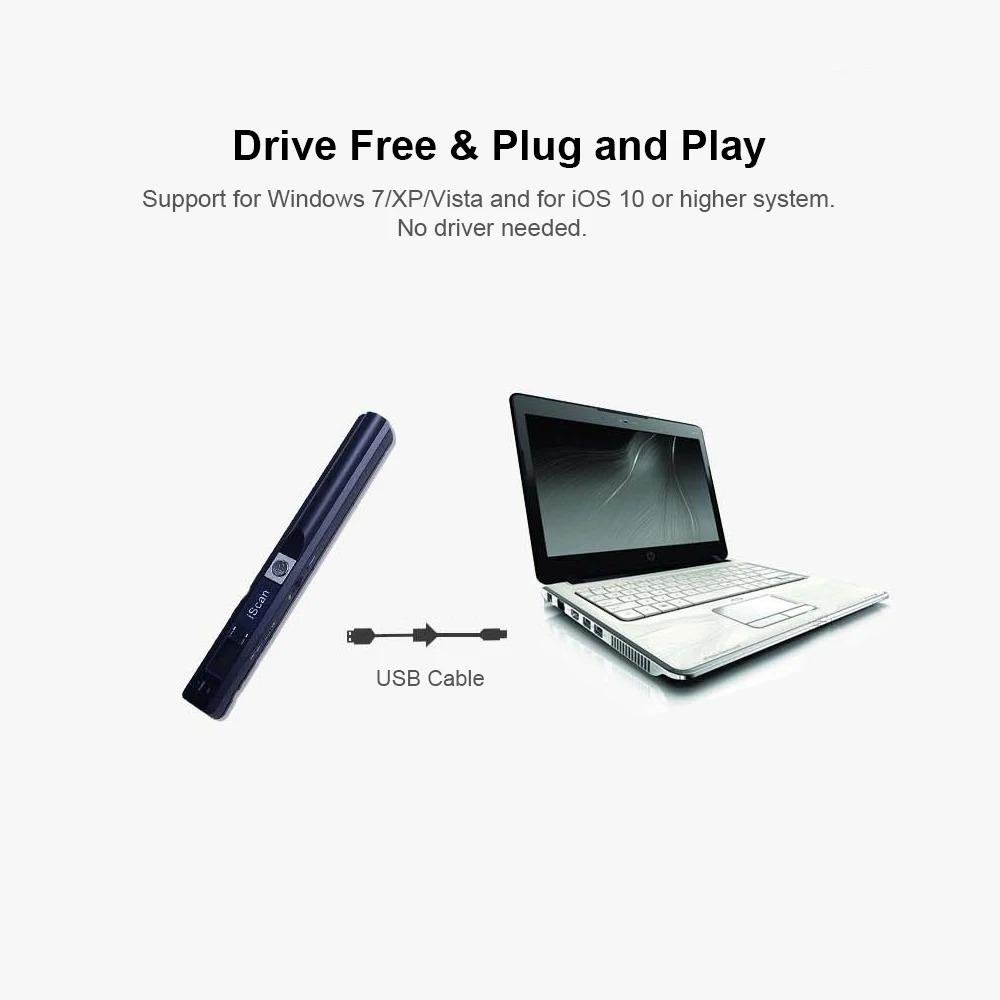
You can easily transfer files by either removing the Micro SD card and using a standard card reader, or by connecting the scanner directly to your computer with a USB 2.0 cable for rapid data transfer.
How long does the battery last, and how do I recharge the Scan Anywhere scanner?
The integrated 1000 m Ah Li-ion battery provides power for up to 250 continuous A4 scans on a single charge. You can conveniently recharge the scanner by connecting it to a computer or a USB wall adapter using its USB 2.0 interface.
Can this portable scanner handle documents smaller than A4, like receipts or business cards?
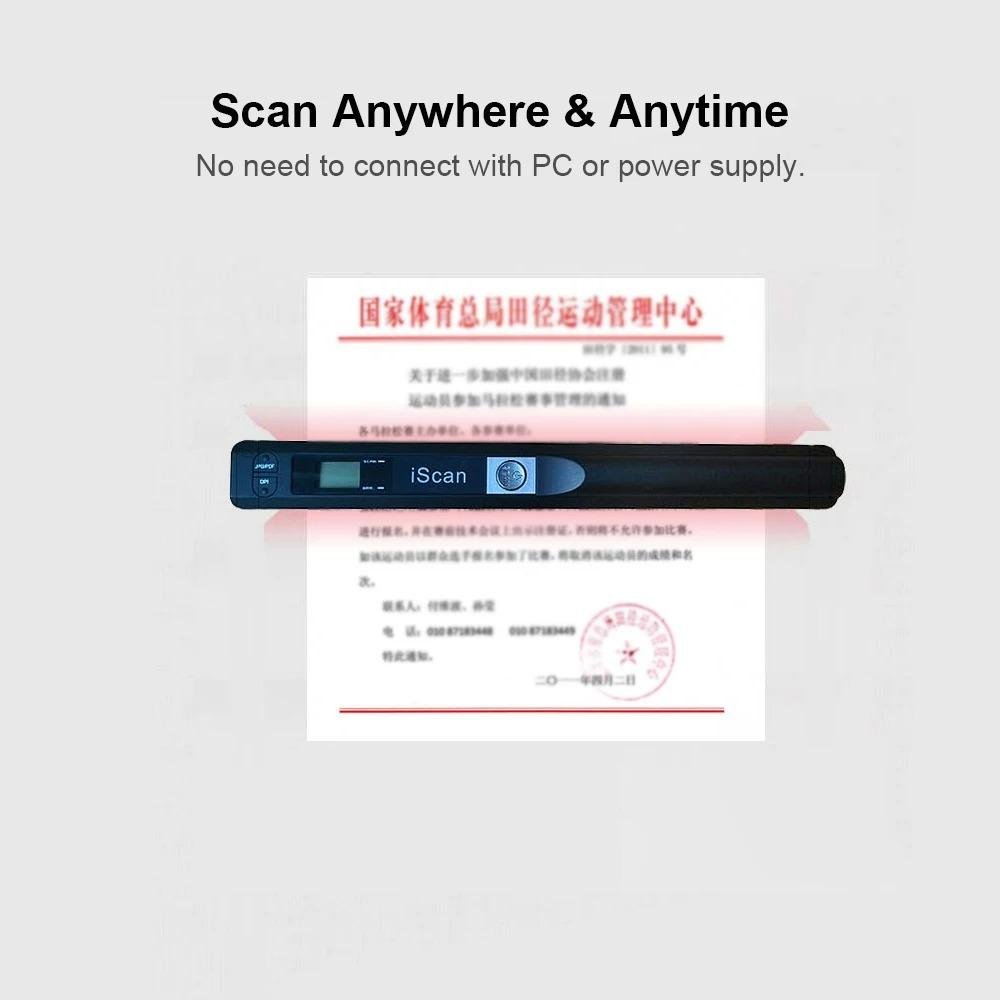
Yes, while designed for A4 documents, the Scan Anywhere scanner is perfect for digitizing smaller items like receipts, business cards, contracts, and lecture notes, making it very versatile for various needs.
What is the scan resolution, and can I adjust it for different types of documents?
The scanner captures documents at a crisp 900 DPI resolution, ensuring fine print and intricate details are preserved with exceptional clarity. This resolution is fixed to provide optimal detail for all your scans.
What are the dimensions and weight of the Scan Anywhere scanner, is it truly portable?
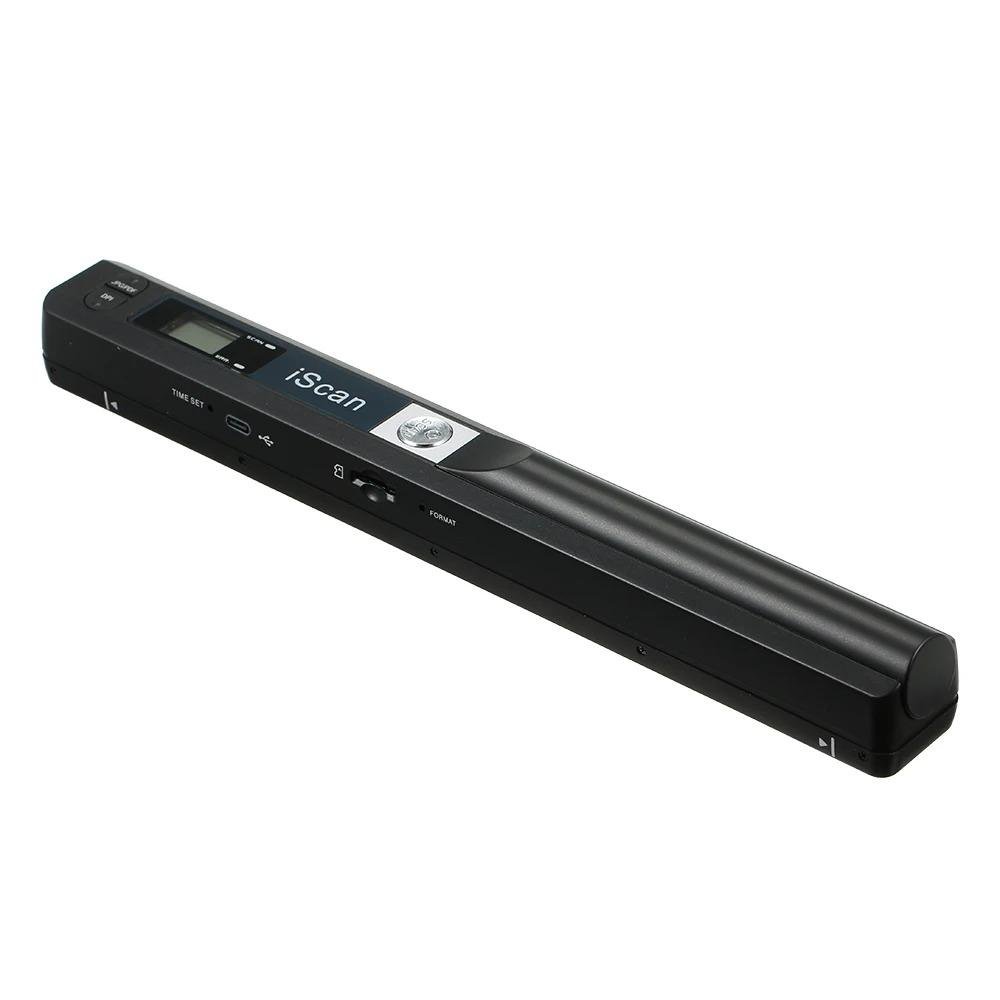
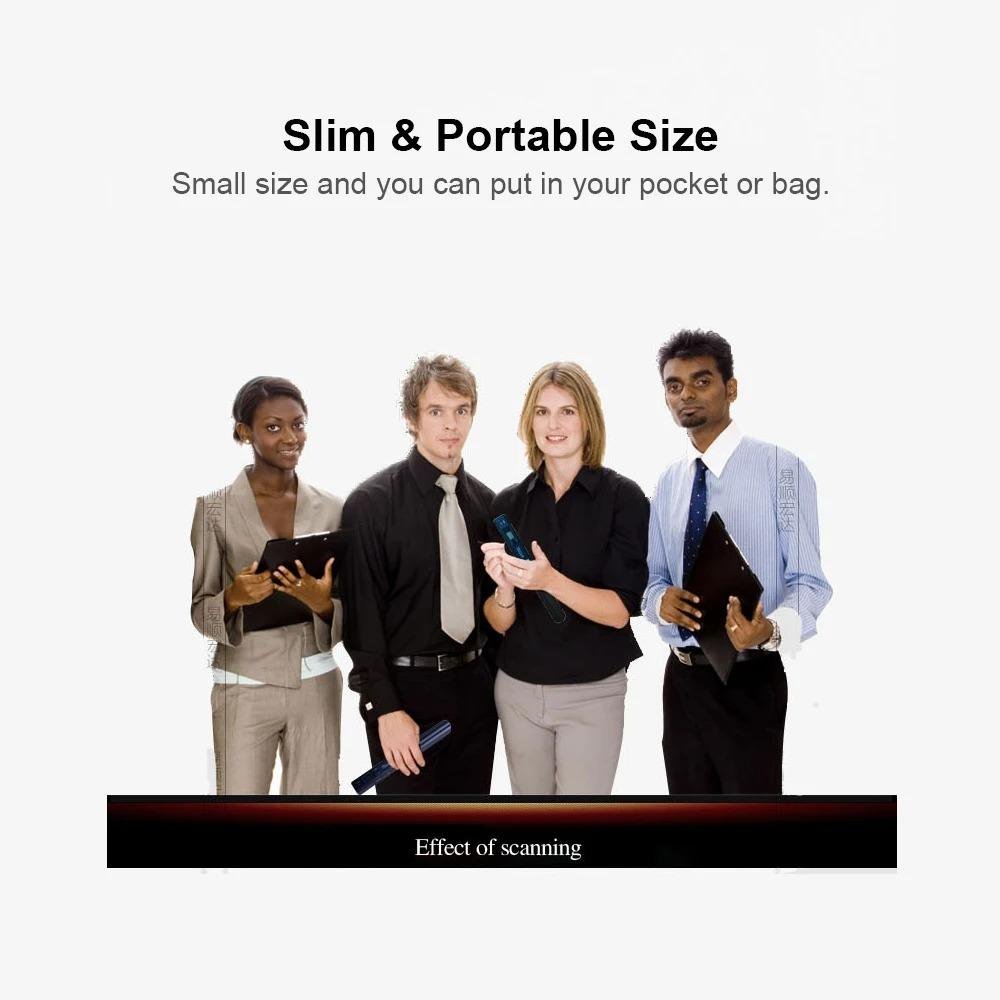
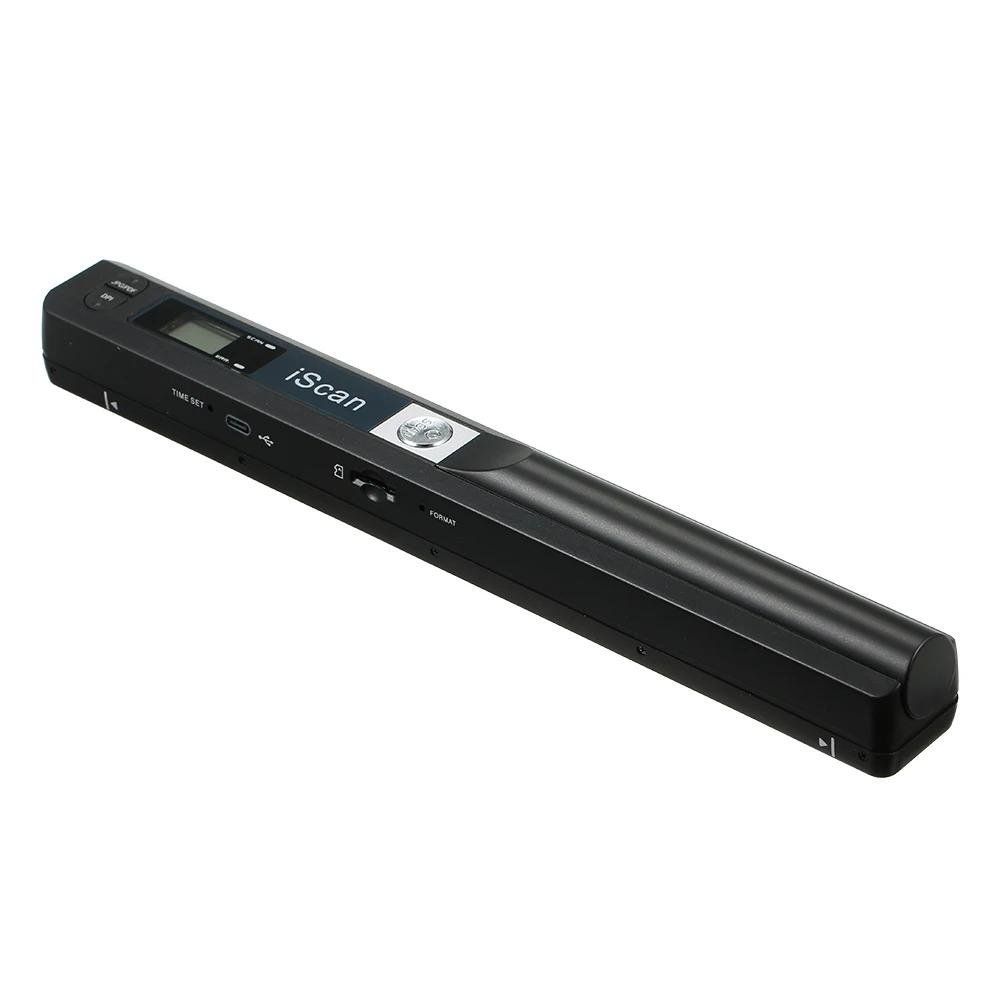
Absolutely! Measuring just 25.5 x 3.0 x 2.5 cm and weighing only 150 grams, this scanner is incredibly compact and lightweight, designed for effortless transport in your bag or briefcase.
Do I need to connect this scanner to a computer or install any software to use it?
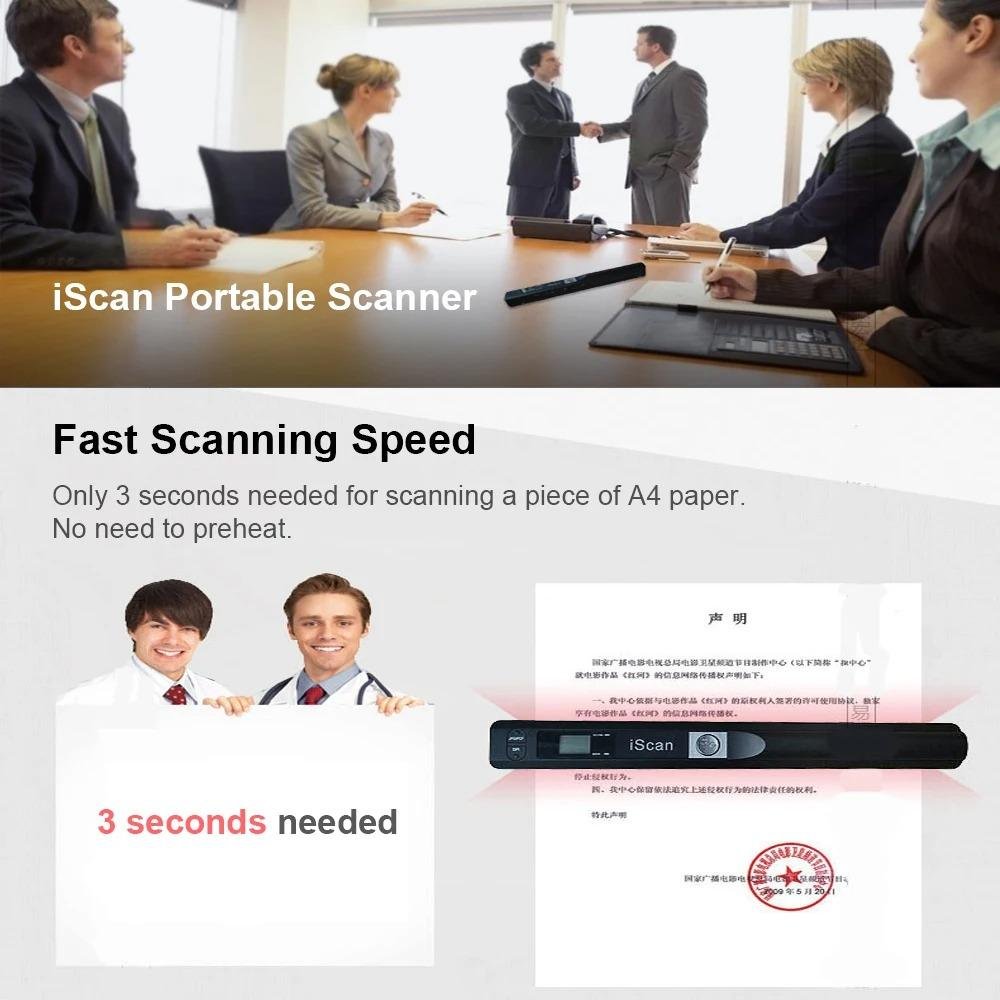
No, the Scan Anywhere scanner operates completely independently. You do not need to connect it to a computer or install any special software to perform scans, making it ideal for on-the-go digitization.
How many A4 documents can I store on a 32 GB Micro SD card with this scanner?
With a 32 GB Micro SD card, you can store thousands of A4 documents. For example, a typical 900 DPI A4 scan saved as a JPEG or PDF might be around 2-3 MB, allowing for well over 10,000 scans before needing to offload data.
Is the scanner durable enough for frequent travel and use in different environments?
Yes, it's built for durability. The Scan Anywhere scanner features a robust ABS chassis, specifically designed to withstand the rigors of frequent travel and use in various professional environments, ensuring long-lasting performance.
Does the Scan Anywhere portable scanner come with a Micro SD card, or do I need to purchase one separately?
The Scan Anywhere portable A4 scanner saves directly to a Micro SD card, supporting capacities up to 32 GB. Please note that the Micro SD card is not included with the scanner and needs to be purchased separately to store your digitized documents.
How long does the battery last on the Scan Anywhere scanner, and how do I recharge it?
The Scan Anywhere scanner features an integrated 1000 m Ah rechargeable Li-ion battery, providing sufficient power for up to 250 continuous A4 scans on a single charge. To recharge, simply connect the scanner to a power source using the included USB 2.0 cable.
What resolution does the Scan Anywhere scanner capture documents at, and what file formats does it save them in?
This portable scanner captures documents at a crisp 900 DPI resolution, ensuring fine details, intricate graphics, and text are clear for professional archiving and OCR. Scans are saved in industry-standard JPEG or PDF formats, offering broad compatibility for your document management systems.
Do I need a computer to use the Scan Anywhere Portable A4 Scanner, and how do I save my scanned documents?
No, this scanner operates independently with a "No PC Needed" design. It captures crisp 900 DPI scans directly to an integrated Micro SD card, providing ample, expandable storage for thousands of documents without needing a computer connection.
What types of documents can I scan with this device, and what's the scan quality like?
The Scan Anywhere Portable Scanner is designed to digitize standard A4-sized documents, including receipts, invoices, contracts, notes, and even old photographs. It delivers exceptional output quality with crisp 900 DPI resolution, ensuring all details are captured with stunning clarity and precision for professional use.
How long does the battery last, and is this portable scanner easy to use on the go?
The scanner features efficient power management, ensuring long-lasting battery performance for extended scanning sessions without constant worry about power outlets. Its intuitive interface and one-touch scanning functionality make it remarkably straightforward to use, allowing for quick and efficient digitization anywhere.
Do I need a computer or special software to use the Scan Anywhere Portable A4 Scanner?
No, you don't! The Scan Anywhere Portable A4 Scanner is designed for ultimate portability with a "No PC Needed" operational philosophy. It scans documents directly to a Micro SD card, so you can digitize your files anywhere without connecting to a computer or installing drivers.
What kind of documents can this scanner handle and how clear will the scans be?
This scanner is designed to effortlessly digitize A4-sized documents, which is the most common paper format. It captures crisp 900 DPI scans, ensuring exceptional clarity for everything from important contracts and detailed receipts to handwritten notes and even fine print, making your digital files professional and legible.
Is a Micro SD card included with the Scan Anywhere Portable A4 Scanner, or do I need to purchase one separately?
The Scan Anywhere Portable A4 Scanner captures scans directly to a Micro SD card, allowing you to save thousands of documents on the device itself. However, a Micro SD card is not included with the scanner and needs to be purchased separately to begin scanning.
How does the Scan Anywhere Portable A4 Scanner work without a computer, and where are my documents stored?
The Scan Anywhere Portable A4 Scanner is designed for ultimate operational flexibility, allowing you to scan documents without being tethered to a computer or a direct power source during operation. It captures and stores your documents internally, ready for transfer to your PC or other devices when you're ready, ensuring you can digitize critical information wherever your work takes you.
What is the optical resolution of the Scan Anywhere Portable A4 Scanner, and is it good enough for detailed documents?
The Scan Anywhere Portable A4 Scanner boasts a formidable 900 DPI optical resolution. This professional-grade clarity ensures that every detail of your A4 documents, from intricate text to fine graphics, is meticulously captured and preserved, making it ideal for contracts, receipts, and important notes.
What types of documents and sizes can the Scan Anywhere Portable A4 Scanner handle?
The Scan Anywhere Portable A4 Scanner is specifically designed to meticulously capture A4-sized documents. This includes a wide range of critical papers such as contracts, detailed receipts, important meeting notes, and other standard documents, ensuring professional-grade scanning performance for your mobile workflow needs.
What do I need to use the Scan Anywhere Portable A4 Scanner, and how do I transfer my scans?
The Scan Anywhere Portable A4 Scanner is designed for standalone use, meaning you don't need a computer or special software to operate it. It saves your high-resolution scans directly to a micro SD card (not included) as JPEG or PDF files. To transfer your documents, simply connect the scanner to any computer via USB or insert the micro SD card into a card reader.
What types of documents can the Scan Anywhere Portable A4 Scanner digitize, and what scan quality can I expect?
This versatile scanner is perfect for digitizing a wide range of documents up to A4 size, including contracts, receipts, meeting notes, and important forms. With its formidable 900 DPI optical resolution, you can expect exceptionally clear and detailed captures of every word and image, ensuring professional-grade clarity for all your critical information.
How is the Scan Anywhere Portable A4 Scanner powered for mobile use, and what's its battery life?
The Scan Anywhere Portable A4 Scanner operates on a built-in rechargeable battery, allowing for complete untethered use wherever you are. It typically provides enough power for hundreds of scans on a single charge, making it ideal for extended mobile work sessions. You can easily recharge it via a standard USB connection to a computer or wall adapter.
Can the Scan Anywhere Portable A4 Scanner handle different document sizes, or is it strictly for A4?
The Scan Anywhere Portable A4 Scanner is designed to meticulously capture full A4-sized documents. However, its flexible design also allows it to effortlessly scan smaller items such as receipts, business cards, meeting notes, or any other critical paper item you need to digitize on the go.
Since it's untethered, how does the Scan Anywhere Portable A4 Scanner get power and store my scans?
This portable scanner operates on a built-in rechargeable battery, providing true untethered freedom for scanning anywhere without needing an outlet. Scans are conveniently saved onto an inserted micro SD card (not included), allowing for easy transfer of your high-resolution digital documents to your computer or other devices at your convenience.
What kind of scan quality can I expect from the 900 DPI resolution, especially for important documents like contracts?
You can expect exceptional clarity and detail. The Scan Anywhere Portable A4 Scanner boasts a formidable 900 DPI optical resolution, ensuring that every detail, from fine print on contracts to intricate graphics or handwritten notes, is captured with professional-grade precision, making your digital documents perfectly legible and ready for immediate use.
Does the Scan Anywhere Portable A4 Scanner need to be connected to a computer to work, and how do I get my scanned files?
No, this untethered A4 scanner allows you to capture documents anywhere without a computer connection. It saves scans directly to an internal memory or an inserted SD card (not included). To transfer files, simply connect the scanner to your computer via a USB cable.
What scan quality can I expect from this portable scanner, and what size documents can it scan?
You can expect exceptional clarity with a formidable 900 DPI optical resolution, ensuring every detail of your document is meticulously captured. This scanner is designed specifically for standard A4-sized documents, perfect for contracts, receipts, and meeting notes.
How is the Scan Anywhere Portable A4 Scanner powered, and what's included in the box?
The scanner is powered by a built-in rechargeable battery, making it truly portable and untethered for on-the-go use. It recharges via a standard USB connection. The box includes the Scan Anywhere Portable A4 Scanner and a USB cable for charging and data transfer.
Reviews
There are no reviews yet.